
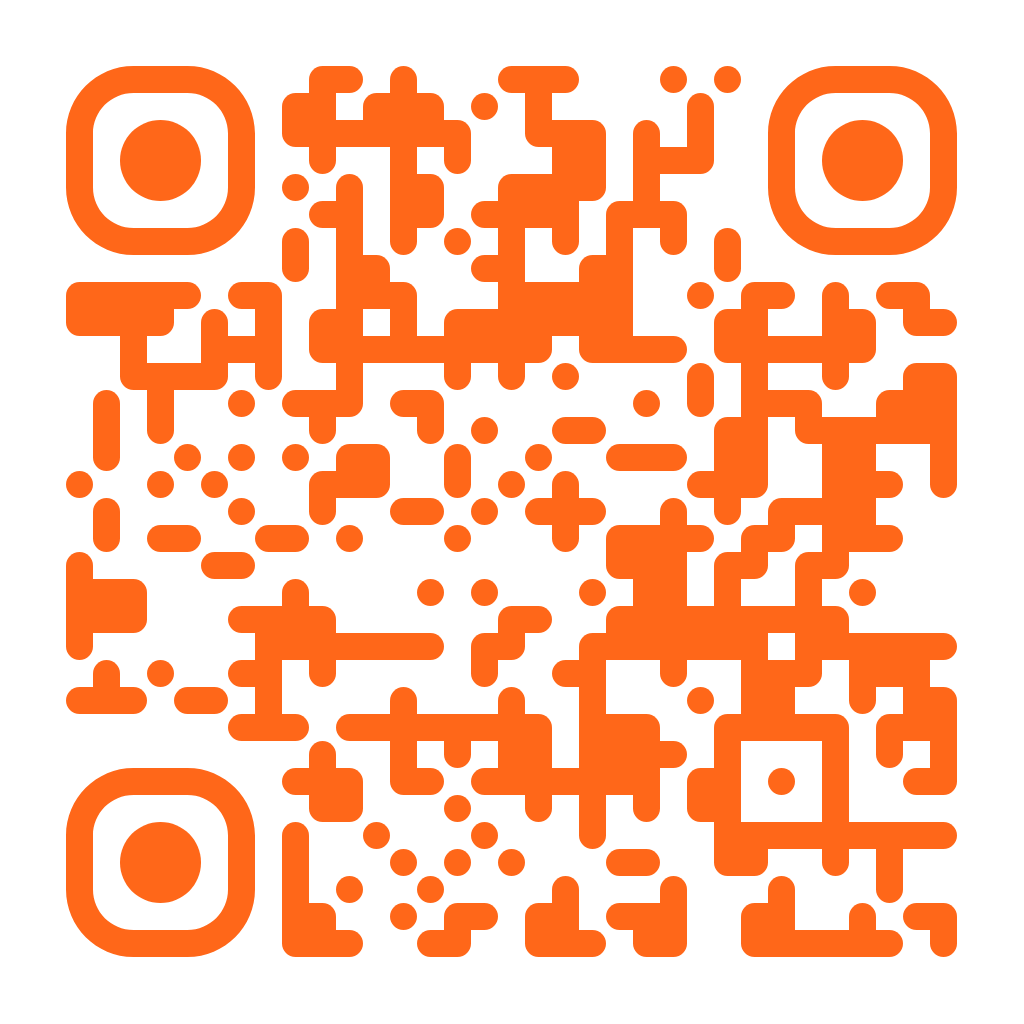
Armando Vias+ is your premium source for the latest updates regarding my advocacy efforts in my local community, state, and the United States. This page contains instructions on different ways that you can stay updated.
Via The Substack App
If you have a smartphone, such as an Apple or an Android, download the Substack App from the App or Google Play Stores. This app is also compatible with iPads and Tablets.
If you’re viewing this page on your computer, you can scan the QR code above to go directly to the Armando Vias+ Page.
After downloading the app specifically for your device:
- Sign in or sign up to Substack. Creating a Substack account is completely free.
- You can use your Google Account to login or signup for Substack.
- After you’ve logged in or signed up for your free account, search for “Armando Vias+” and find the “Subscribe” button.
Via Email
If you prefer to subscribe to Armando Vias+ via email, just enter your email address below and follow the instructions. Please note that if you’re using a mobile device, it’ll try to make you download the Substack App for your mobile device’s operating system.
This subscription form is also located on every footer on this website.
The Armando Vias+ Facebook Group
If you use social media, such as Facebook, you can also join the Armando Vias+ Facebook Group.
Getting Support
If you have any issues subscribing to Armando Vias+, or if you’ve found something that’s missing from this page, please don’t hesitate to contact me by sending an email to [email protected].